- Version
- 1.0.4RC3
- Android
- Varies with device
- Updated
- Nov 12, 2026
Outrageous open-world action in the palm of your hand.
Screenshots
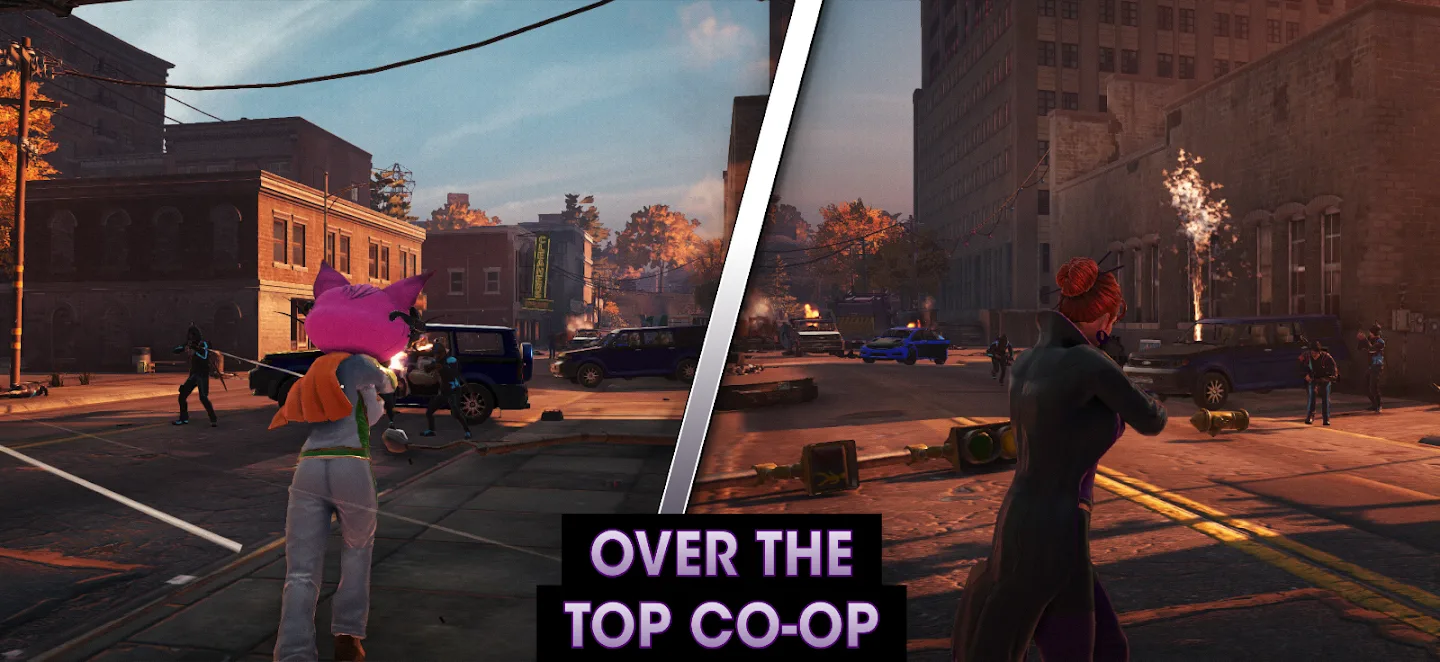
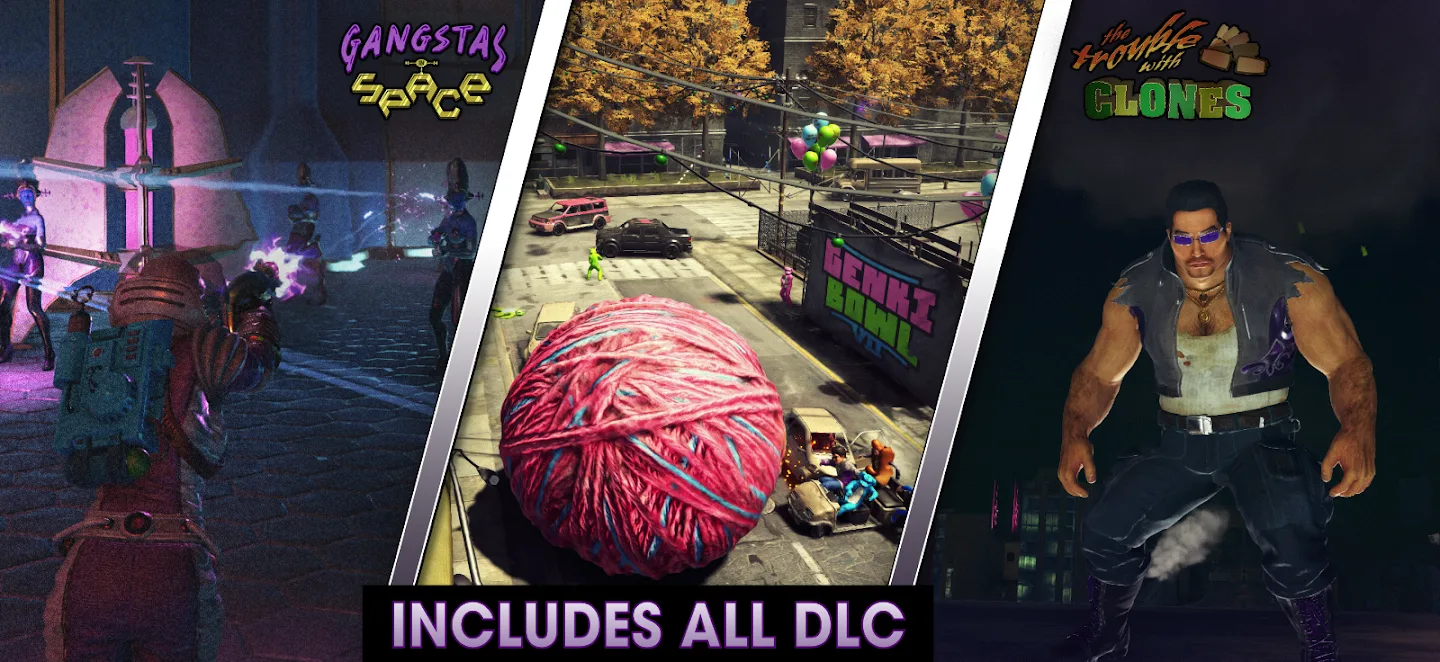
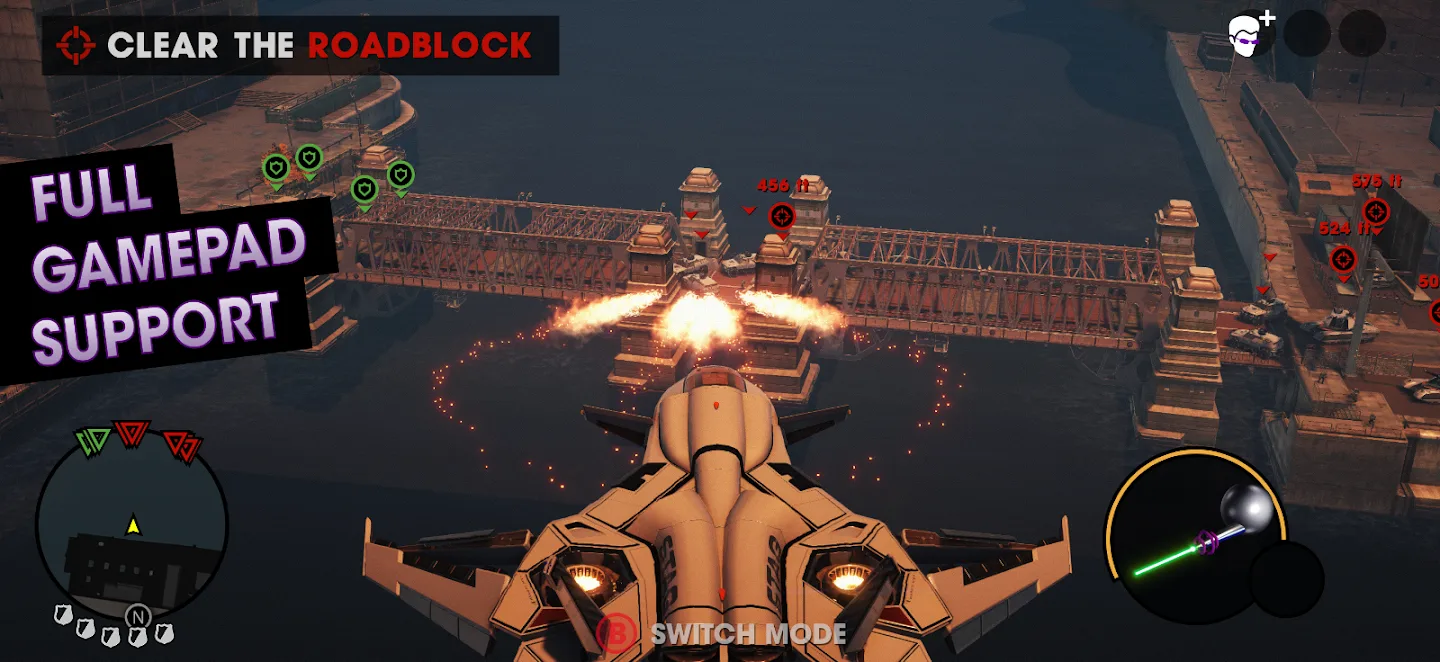
What’s new in v1.0.4RC3
• Includes a number of optimisations and minor bug fixes.
About Saints Row: The Third
From scrappy street gang to their own energy drinks, clothing lines and international brand recognition, The Third Street Saints have come a long way. Now their sights are set on Steelport: a once-proud metropolis brought low by a trifecta of gangs known as the Syndicate.
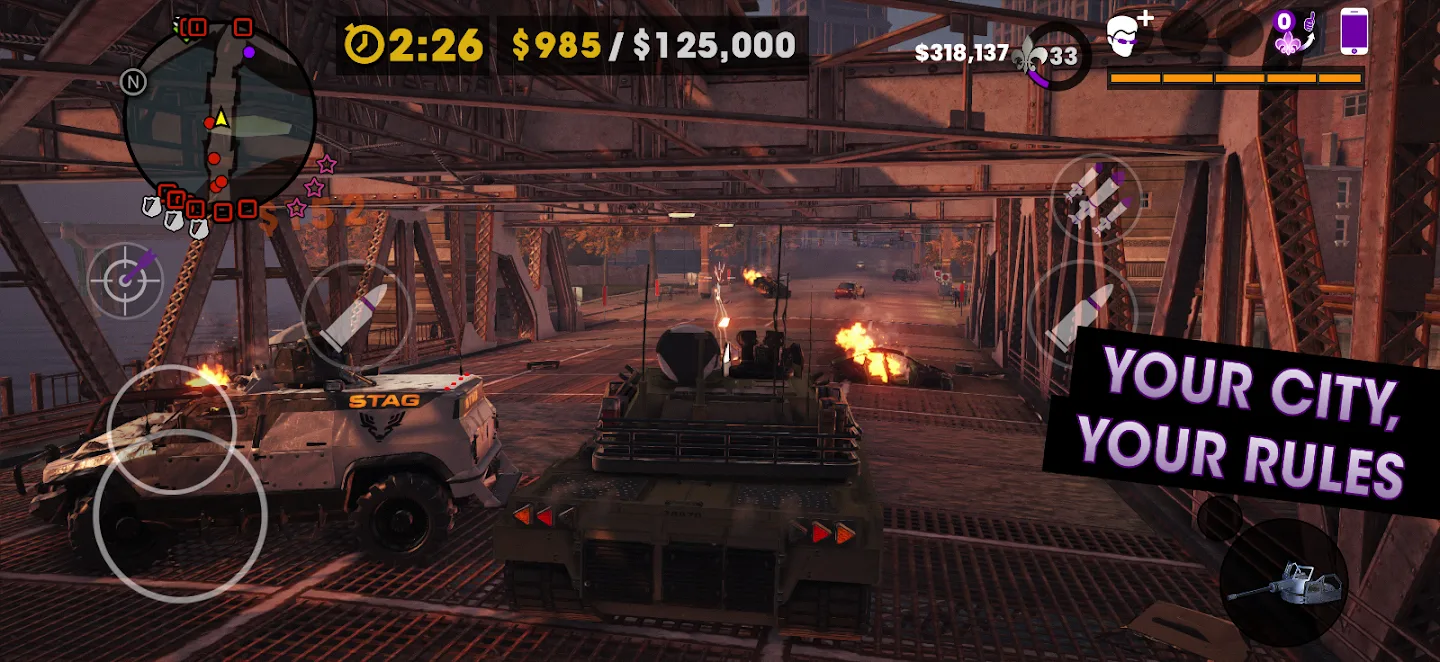
Tailored to touchscreen and optimised for Android, Saints Row: The Third Remastered is an open world of shameless excess in the palm of your hand.
YOUR CITY, YOUR RULES
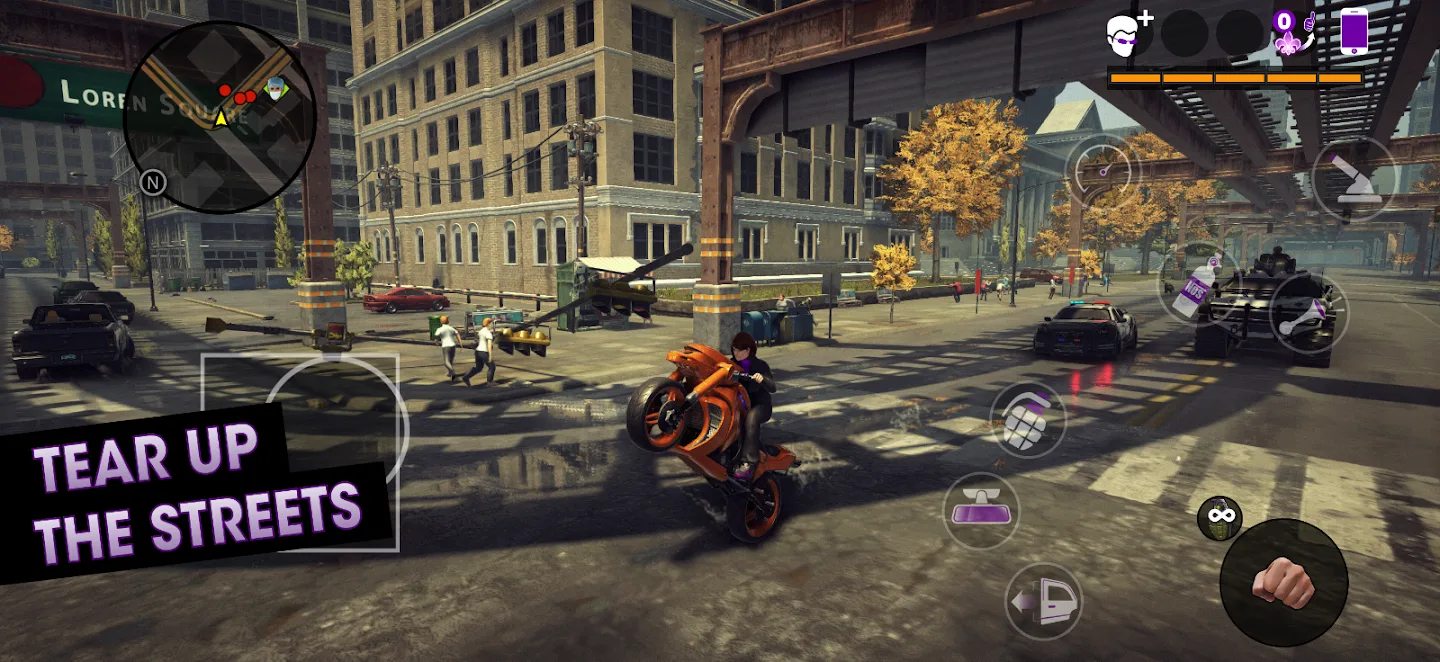
Tear up the streets with tanks and hover bikes, build a portfolio of cribs and “legit” businesses, and take Steelport from the Syndicate district-by-district.
CRUSH THE COMPETITION
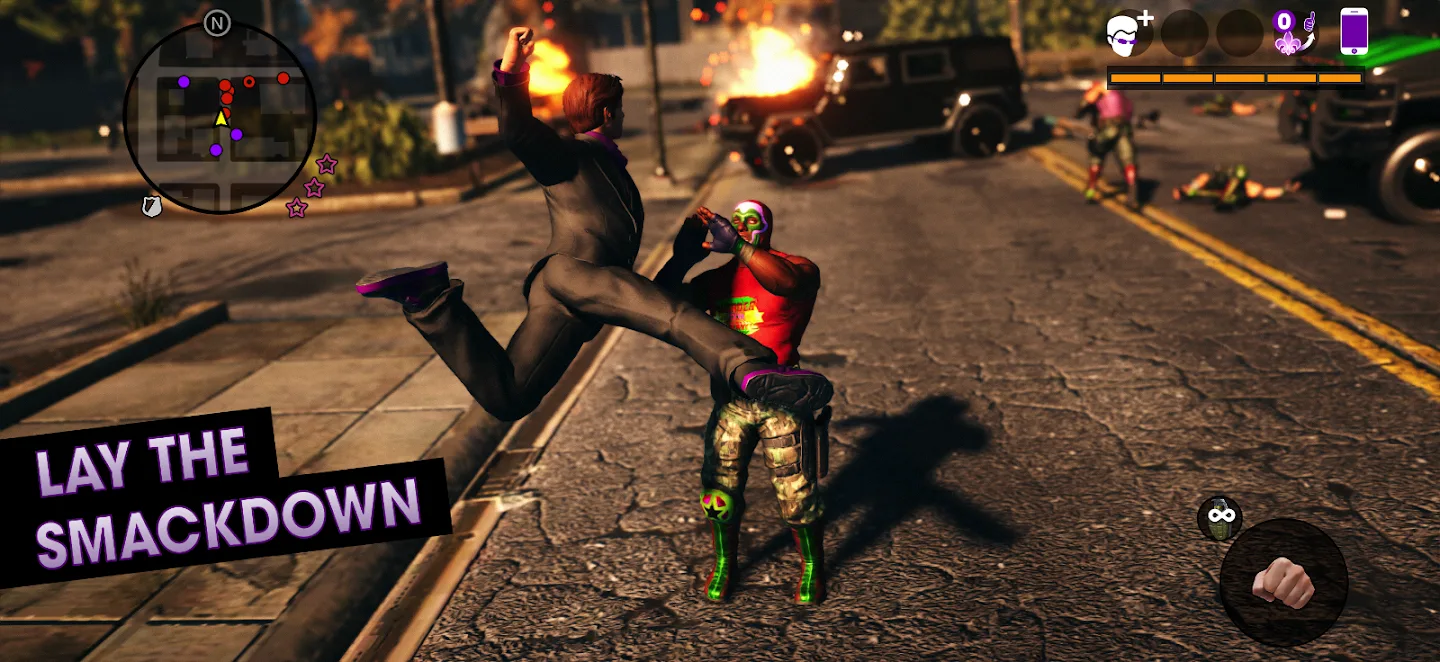
Win the arms race against the gun-running Morningstar, lay the smackdown on the Luchadores, and delete the Decker cyber-criminals across 47 madcap missions.
ACTION ON EVERY CORNER
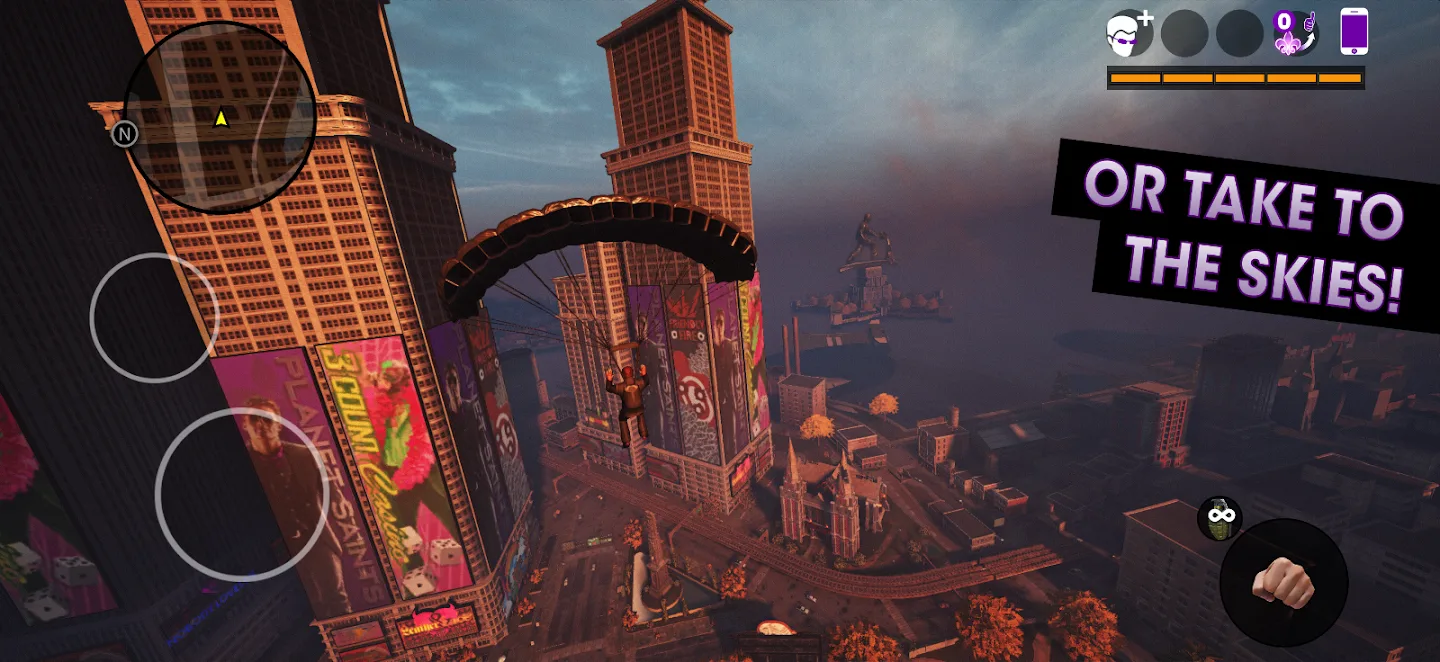
Earn cash and respect by base-jumping, boosting cars, and becoming a gravity-defying insurance fraudster.
WEAPONS OF CRASS DESTRUCTION
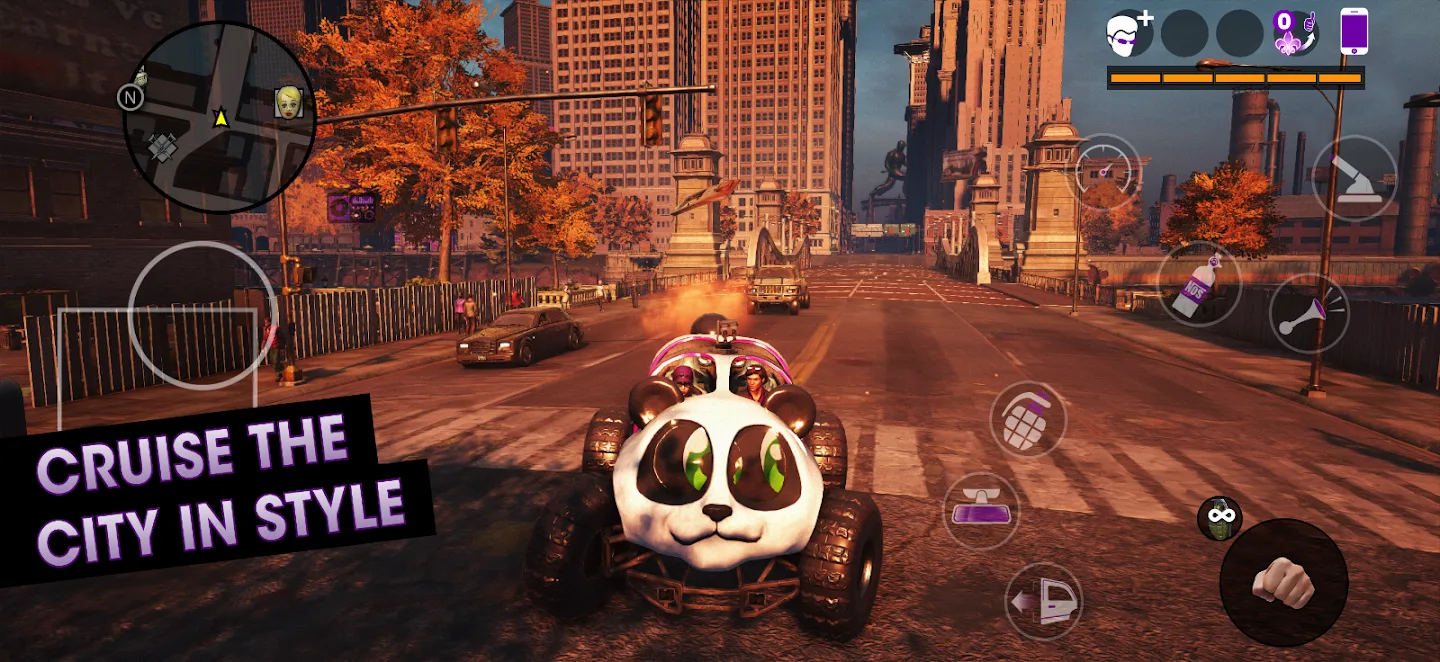
Defeating your enemies is good. Humiliating them is so much better! Beat rivals into submission with outrageous weapons, and reinvent the drive-by with human cannonball cars and flamethrowing Genkimobiles.
IT’S IN YOUR HANDS!
The full AAA experience on the go, with customisable touchscreen controls, plus support for gamepads and mouse & keyboard.
OVER-THE-TOP CO-OP
Steelport is even more fun with homies – play the entire game online with a friend.
THE FULL PACKAGE
Saints Row: The Third Remastered comes complete with all its DLC, from Professor Genki’s murderous Genkibowl VII, sci-fi stardom in Gangstas in Space, and even weirder science in The Trouble With Clones. Also in the mix are over 30 more weapons, vehicles, and costumes.
===
Supported Languages: English, Čeština, Deutsch, Español, Français, Italiano, 日本語, 한국어, Nederlands, Polski, Русский
Saints Row: The Third Remastered requires Android 13 or later. You need 19.3GB of free space on your device, though we recommend at least double this to avoid initial installation issues.
To avoid disappointment, we aim to block users from purchasing a game if their device is not capable of running it. If you are able to purchase this game on your device then we expect it to run well in most cases.
However, we are aware of rare instances where users are able to purchase the game on unsupported devices. This can occur when a device is not correctly identified by the Google Play Store, and therefore cannot be blocked from purchasing. For full details on the supported chipsets for this game, plus a list of tested and verified devices, we recommend that you visit:
https://feral.in/saintsrow3-android-devices
===
© 2026 Deep Silver, a division of Plaion GmbH, Austria. Originally developed by Deep Silver Volition, LLC. Remastered by Sperasoft Inc., a subsidiary of Keywords International Limited. Sperasoft logo is a trademark of Sperasoft Inc. All rights reserved. Deep Silver, Saints Row, Volition and its respective logos are trademarks of Plaion GmbH. Developed for and published on Android by Feral Interactive Ltd. Android is a trademark of Google LLC. Feral and the Feral logo are trademarks of Feral Interactive Ltd. All other trademarks, logos and copyrights are property of their respective owners. All Rights Reserved.
App information
- Version
- 1.0.4RC3
- Requires
- Android Varies with device
- Updated
- Nov 12, 2026
- Developer
- Feral Interactive
- Category
- Action
- Price
- Free
- Installs (Google Play)
- 10,000+
- Package
- com.feralinteractive.saintsrow3_android
- Released
- Oct 28, 2026
Download Saints Row: The Third
- Download Apk Opens playmods.net (external site)
Links open the file host in a new tab. ApkZub does not host these files. Scan every APK before installing, and prefer the official store whenever it is available.
How to install an APK file
- Download the APK file using a link in the section above.
- On your Android phone, open Settings → Apps → Special app access → Install unknown apps and allow your browser or file manager.
- Open the downloaded file from your notifications or the Downloads folder and tap Install.
- If the file is an XAPK/APKS bundle or comes with an OBB folder, follow the extra steps in the description above.
- After installing, you can switch the “Install unknown apps” permission off again.