Jiggy Face Stickers & GIFs
- Version
- 2.3.0
- Size
- 42.4 MB
- Android
- Android 5.0+
- Updated
- Jun 13, 2022
Screenshots
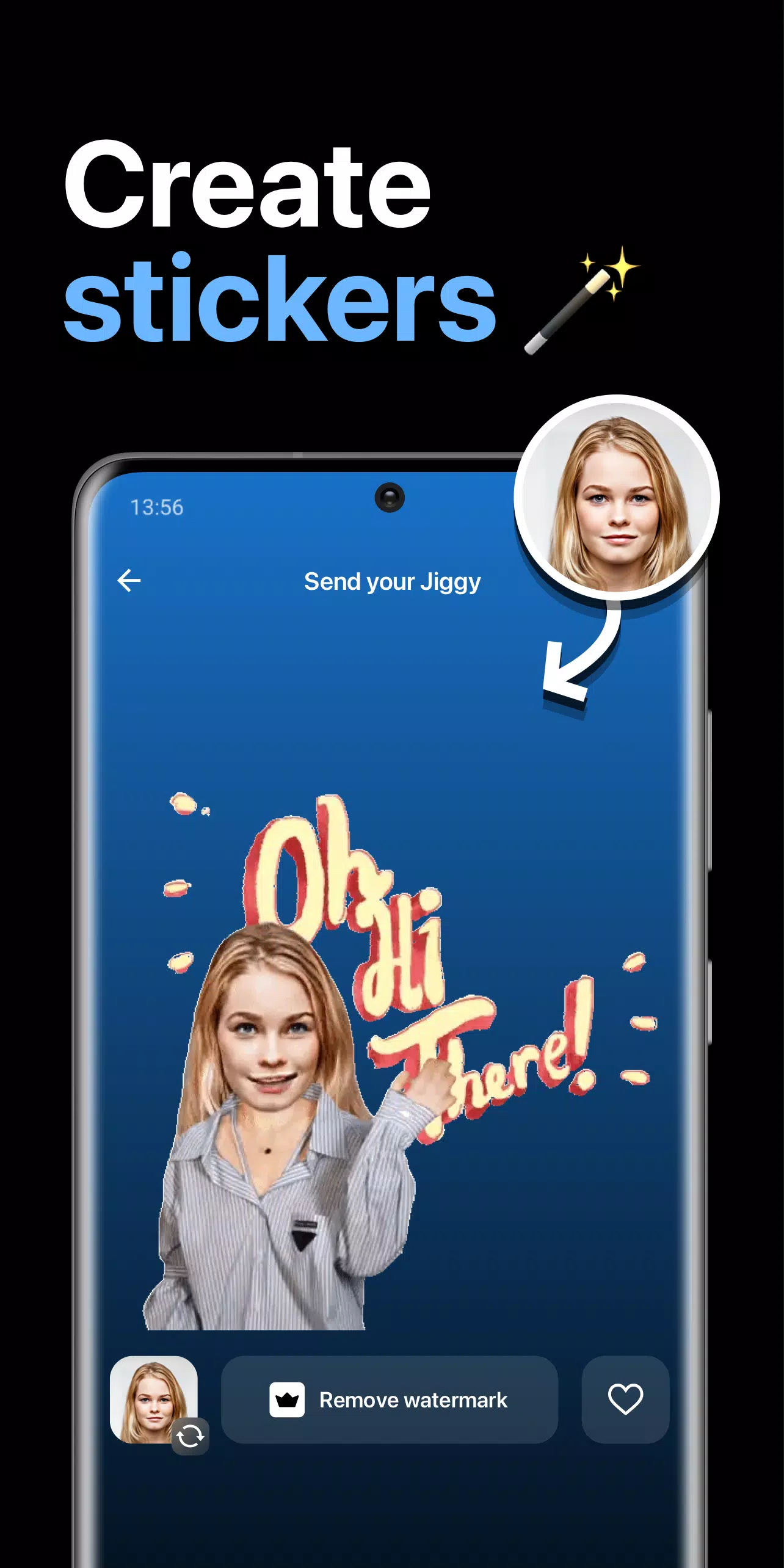
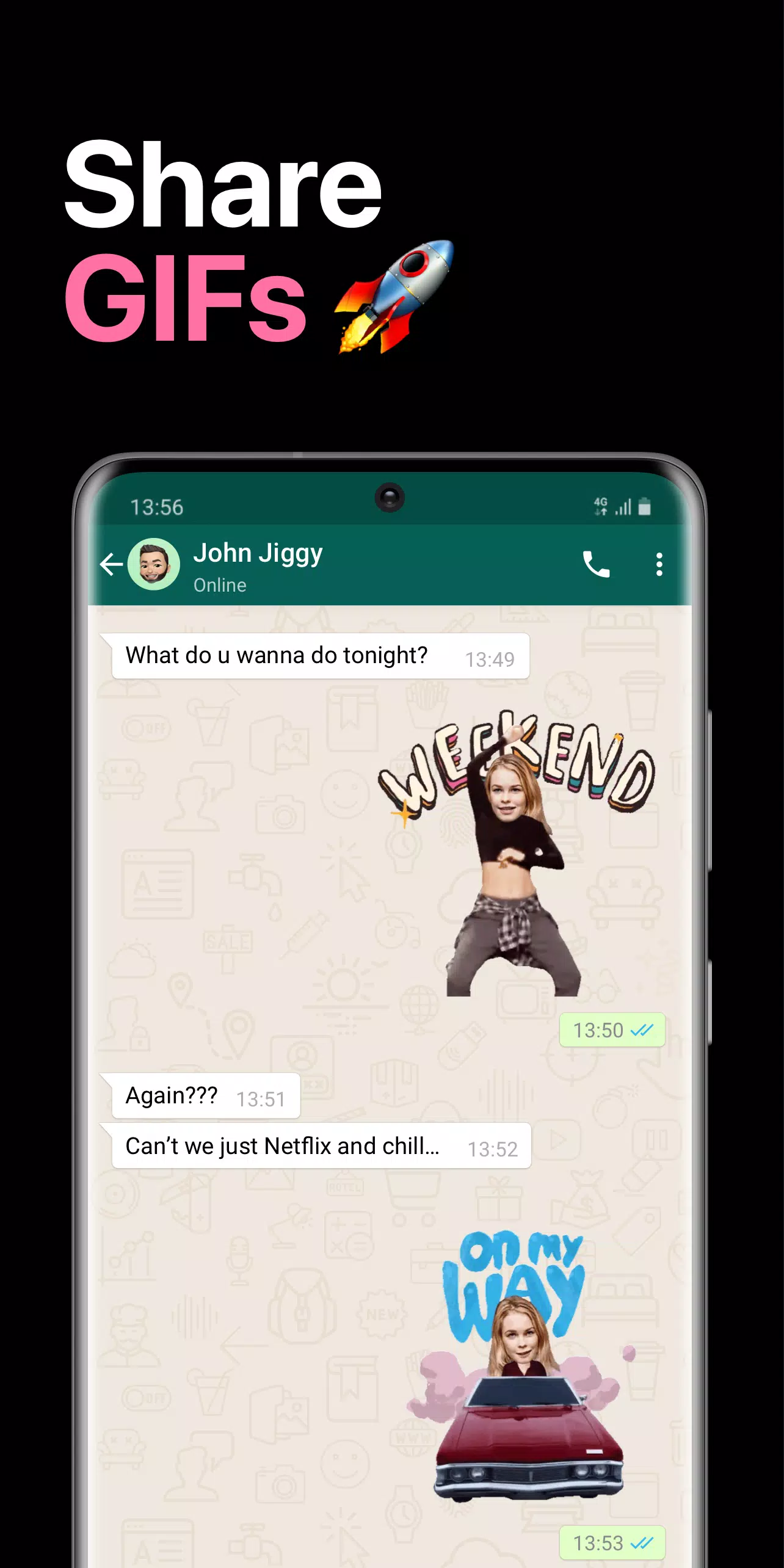
About Jiggy Face Stickers & GIFs
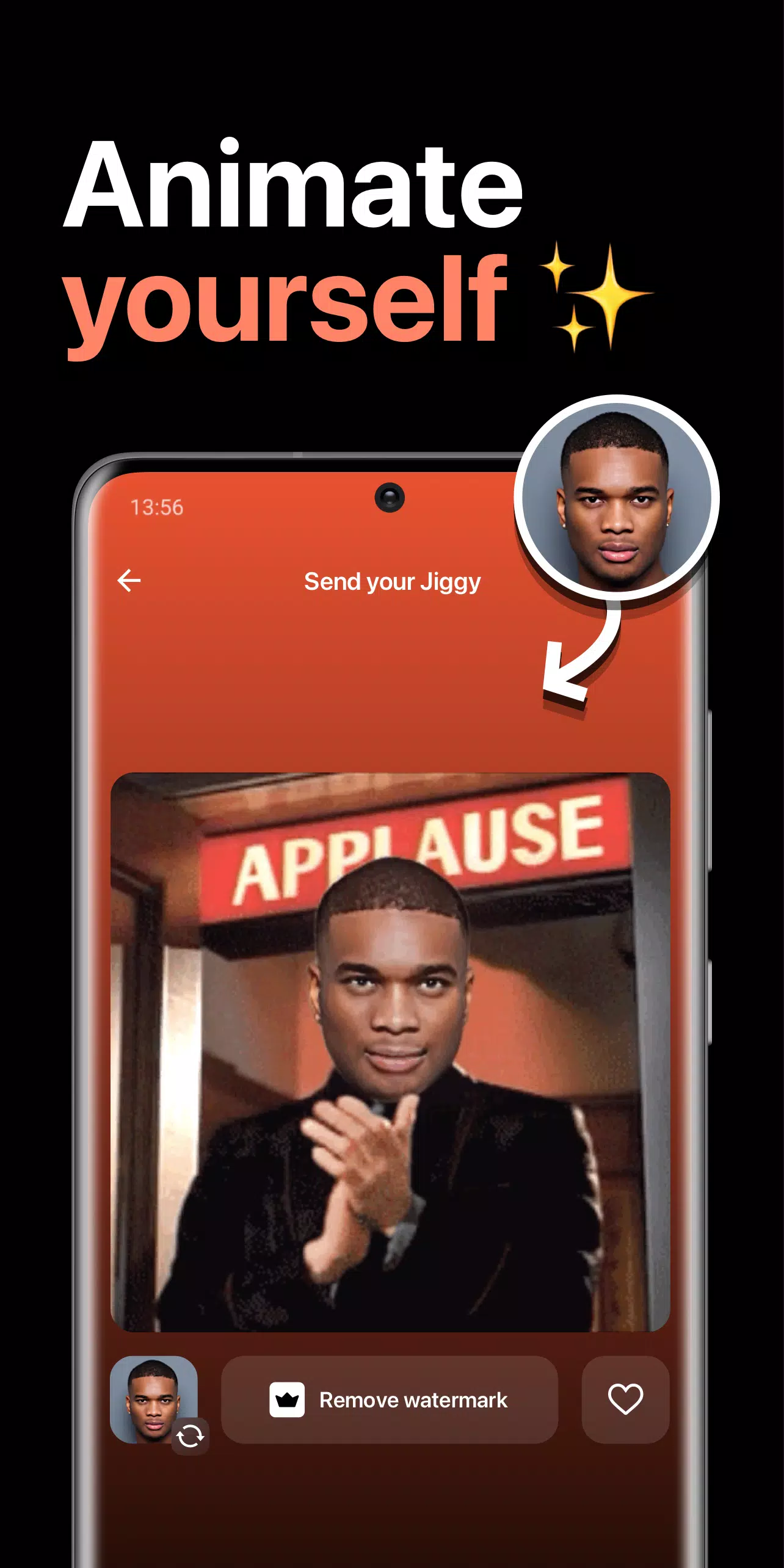
Jiggy needs just a selfie photo of you to automatically create live GIFs, stickers, and videos starring you. It is a personalized face sticker and GIF app that turns your selfies and photos into funny video GIFs and memes you can share with your friends in all your chats and messaging apps, including Messenger, Whatsapp, and iMessage (GIFs, videos, and stickers).
Jiggy makes you an instant creator, without the hustle of being one!
▶ Create your own face Gifs, face videos, or face stickers with just a selfie
▶ Replace overused emojis with personal GIFs, stickers & memes
▶ The best way to express yourself before your friends & family!
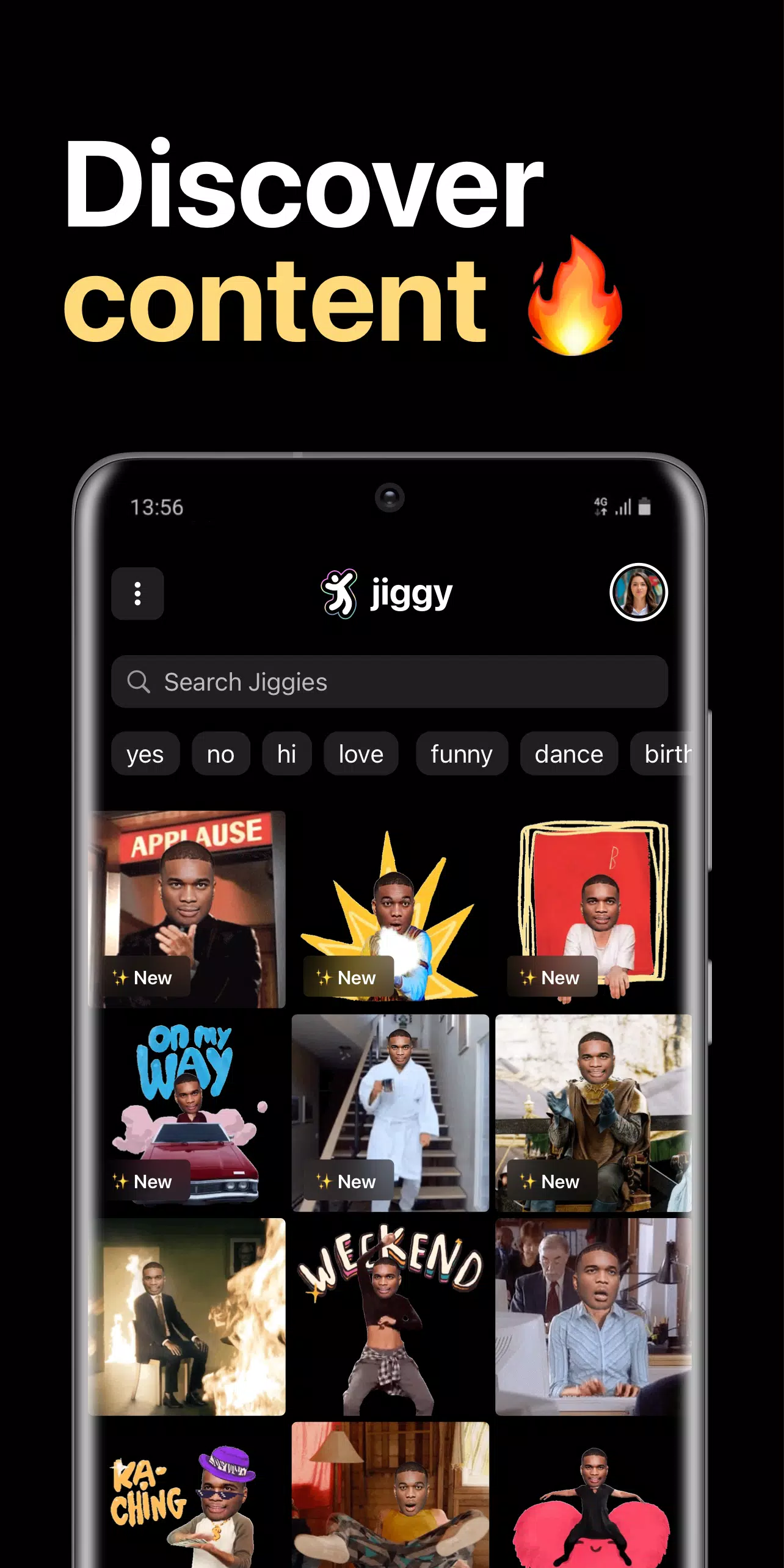
▶ Check out daily stickers, memes and GIFs with your face
▶ New unique & funny GIFs, memes and videos added daily
▶ Use your new face stickers and face GIFs in all your favorite chats
▶ Replace and morph your old photos into animated videos, GIFs, and stickers!
▶ Make funny video GIFs and stickers for chats
▶ Live face GIFs and stickers, with just a single selfie photo
▶ Realistic face stickers and GIFs using our own AI models
With the Jiggy face sticker & GIF maker app, anyone can animate a photo in a few simple steps and share it in their chats with friends for fun. Join millions who are already using our ai face sticker app and start morphing your face into funny WhatsApp and chat stickers, GIFs, and videos.
Are you ready to discover what it's like to have your face in a starring role, famous videos, and more with our face changer app?
Using your own face videos and memes has never been so easy - With our AI face animator, creating face stickers, GIFs and memes takes just moments. Install our free sticker and GIF maker app & enjoy new content, hilarious memes, cool stickers, entertaining GIFs, funny videos and more!
App information
- Version
- 2.3.0
- File size
- 42.4 MB
- Requires
- Android Android 5.0+
- Updated
- Jun 13, 2022
- Category
- Casual
- Package
- com.giphy.messenger
Download Jiggy Face Stickers & GIFs
- Get it on Google Play Official Google Play listing · opens play.google.com
Links open the file host in a new tab. ApkZub does not host these files. Scan every APK before installing, and prefer the official store whenever it is available.
How to install an APK file
- Download the APK file using a link in the section above.
- On your Android phone, open Settings → Apps → Special app access → Install unknown apps and allow your browser or file manager.
- Open the downloaded file from your notifications or the Downloads folder and tap Install.
- If the file is an XAPK/APKS bundle or comes with an OBB folder, follow the extra steps in the description above.
- After installing, you can switch the “Install unknown apps” permission off again.