- Version
- Varies with device
- Android
- Varies with device
- Updated
- Oct 2, 2026
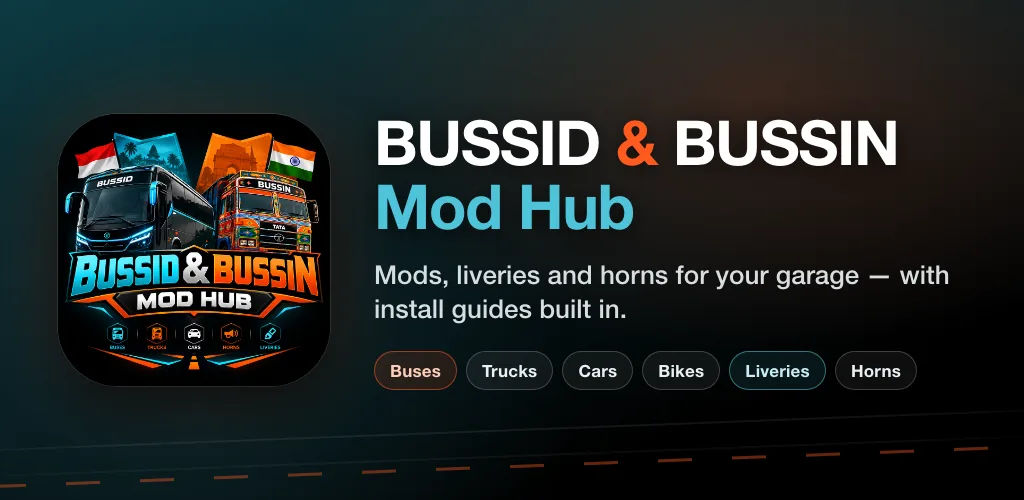
Mod BUSSID and Bussin Mod India — buses, trucks, cars, bikes, liveries, horns.
Screenshots
About BUSSID & BUSSIN Mod Hub
One app for two games. BUSSID & BUSSIN Mod Hub brings Bus Simulator Indonesia
(BUSSID) and Bus Simulator India (BUSSIN) together in a single library — every
BUSSID mod and Bussin mod in one place, so you do not need a separate app for
each game.
Find a mod, tap download, and the file goes straight into the game folder you
picked yourself. No file manager, no renaming, no guesswork.
What you will find
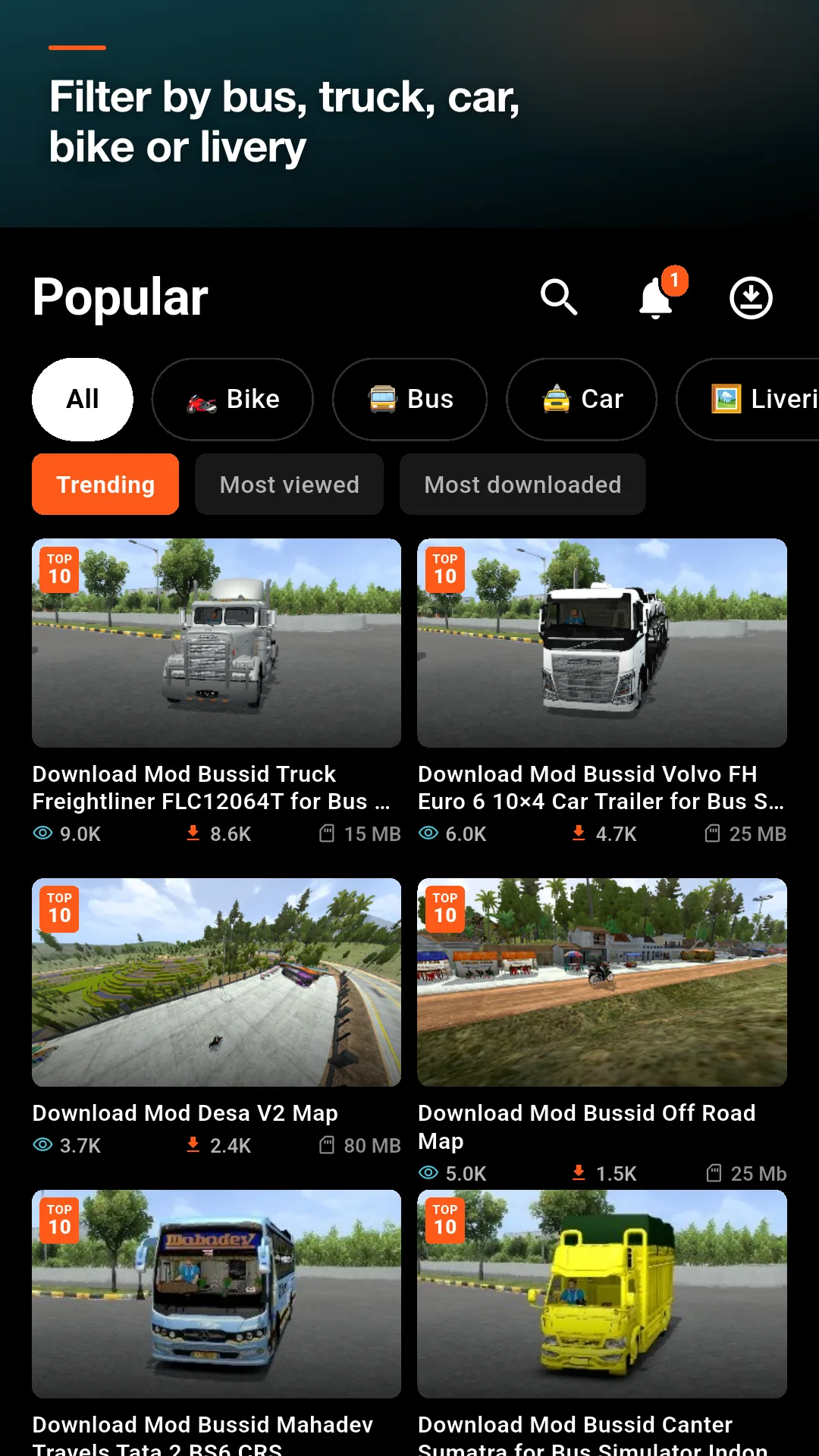
• Bus mods — city buses, intercity coaches, double deckers and minibuses
• Truck mods — canter, dump trucks, trailers and long-haul rigs
• Car mods — sedans, SUVs, hatchbacks and pickups
• Bike mods — sport bikes, scooters and delivery bikes
• Livery packs — repaint a vehicle without replacing the whole mod
• Maps — new routes and terrain to drive
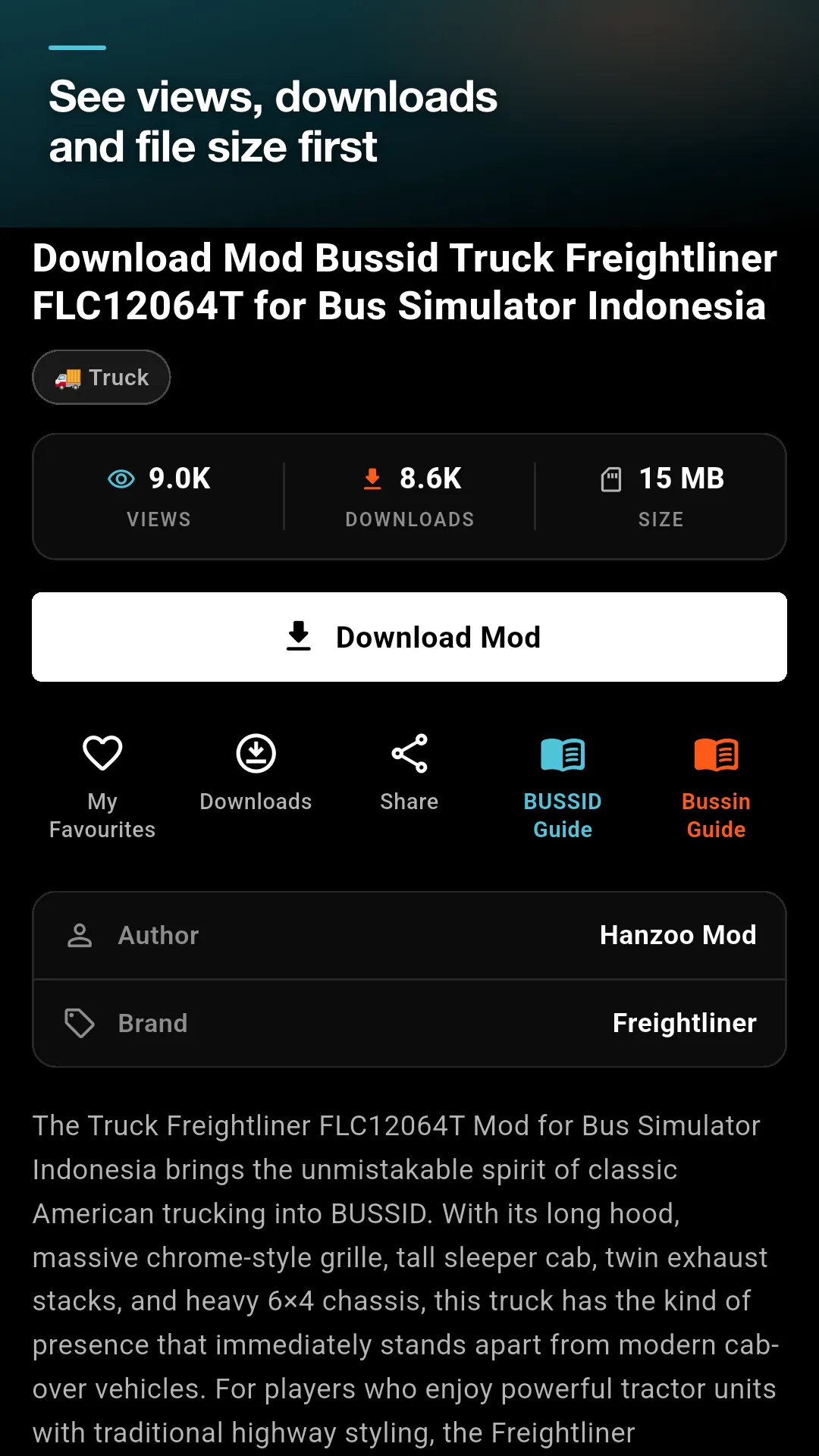
Every mod page shows the file size, the author, the brand, and how many people
viewed and downloaded it, so you know what you are getting before the download
starts.
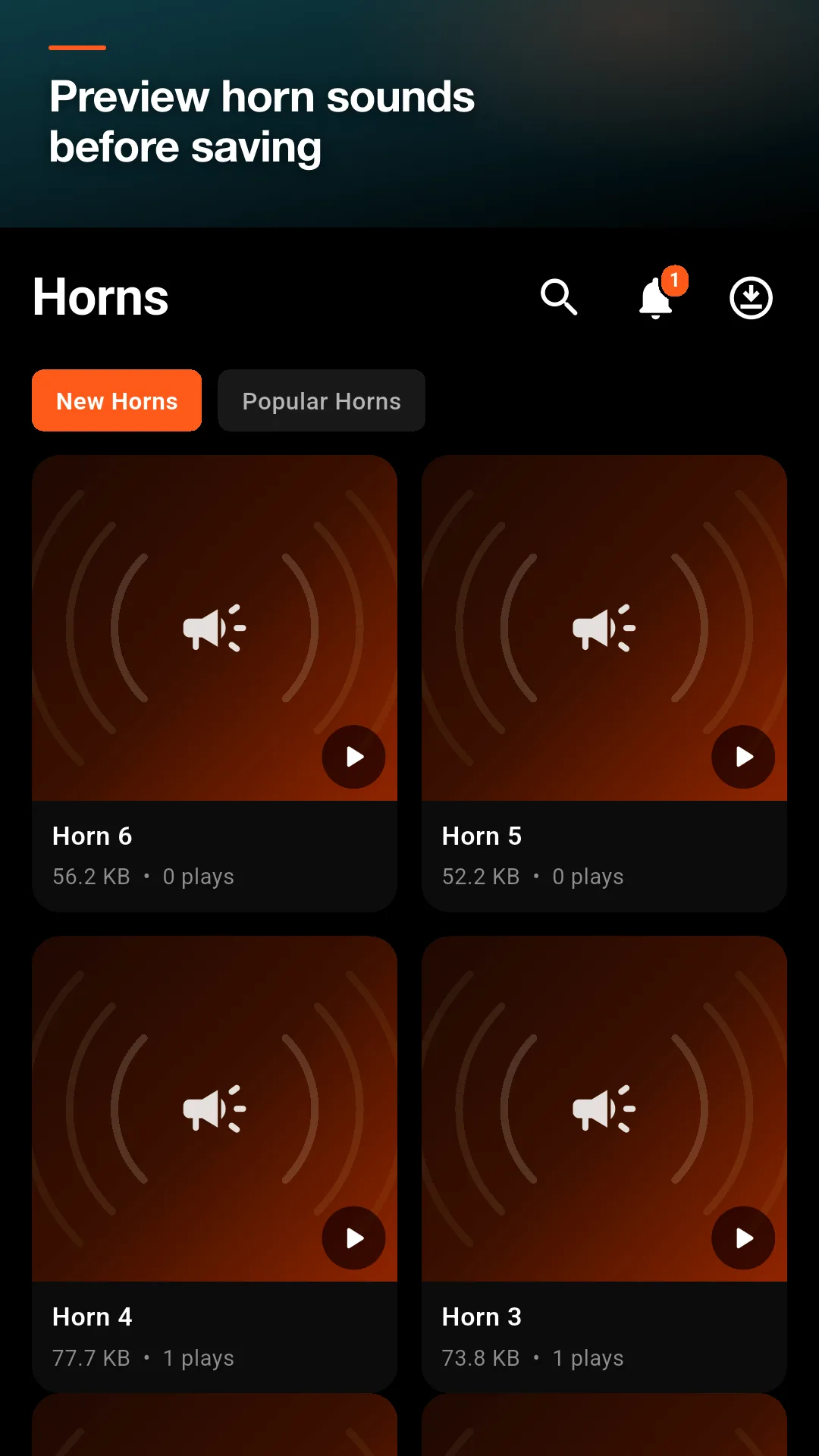
Horn sounds with preview
Horns get a section of their own. Play any horn to hear it first, then save the
one you like. No more downloading five files to find the right tone.
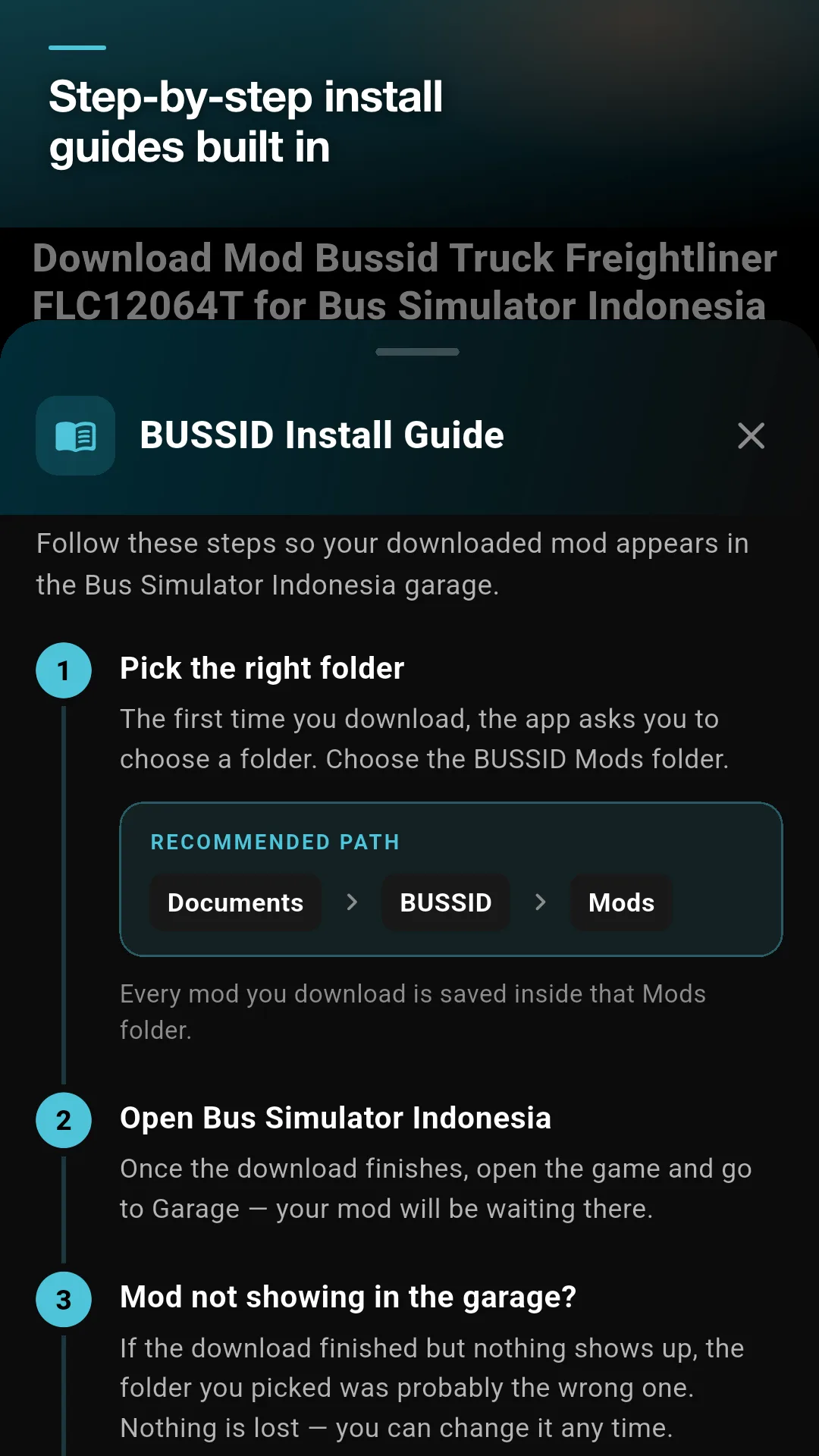
Install guides that actually help
The most common problem with any mod is simple: it downloads, but it never
appears in the garage. That is almost always the wrong folder. Two step-by-step
guides are built in — one for BUSSID and one for BUSSIN — each with the exact
folder path and what to do when a mod does not show up. Open either one from any
mod page.
Downloads you control
• Choose your download folder once; the app never touches the rest of your storage
• Pause, resume or cancel any download
• Live speed and time remaining while it runs
• A downloads screen that keeps everything in one place
Built for real connections
• Works offline — the last mod list stays on your device
• Tells you when the connection drops, and refreshes on its own when it returns
• Light on data and smooth on entry-level phones
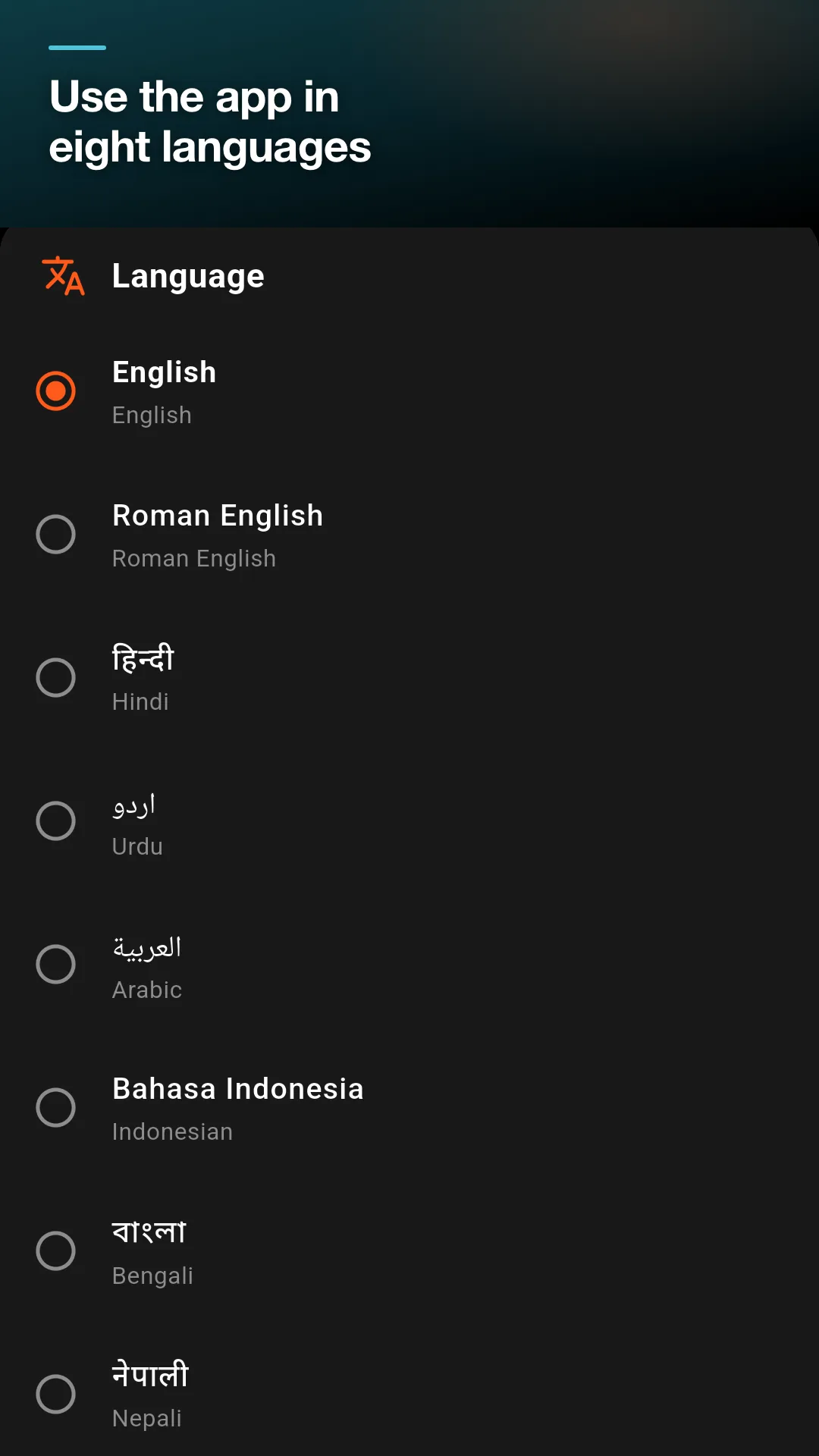
In your language
The interface is available in English, Roman English, Hindi, Urdu, Arabic,
Indonesian, Bengali and Nepali, for players in India, Indonesia, Pakistan,
Bangladesh, Nepal and beyond.
More inside
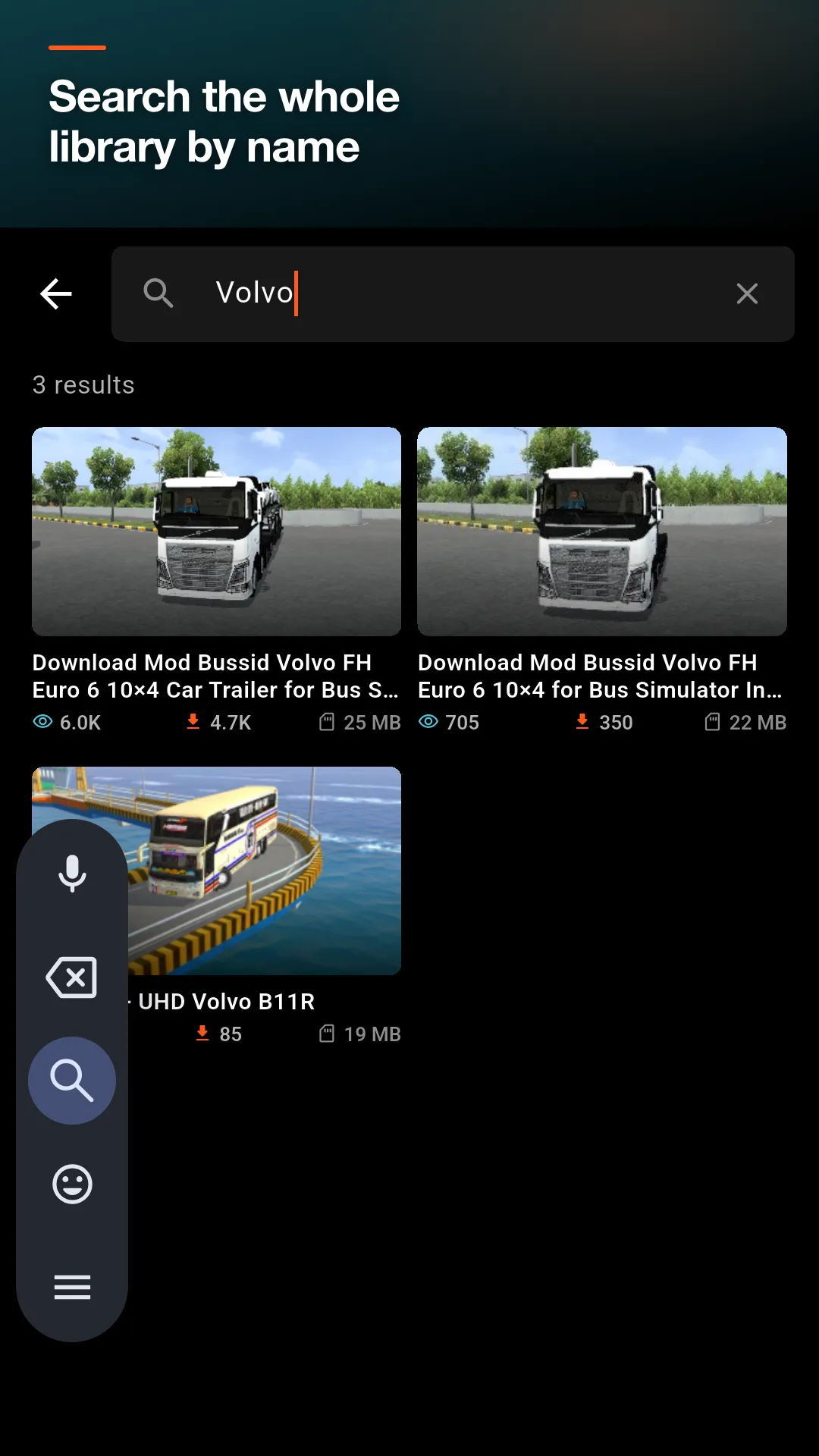
• Search the whole library by name
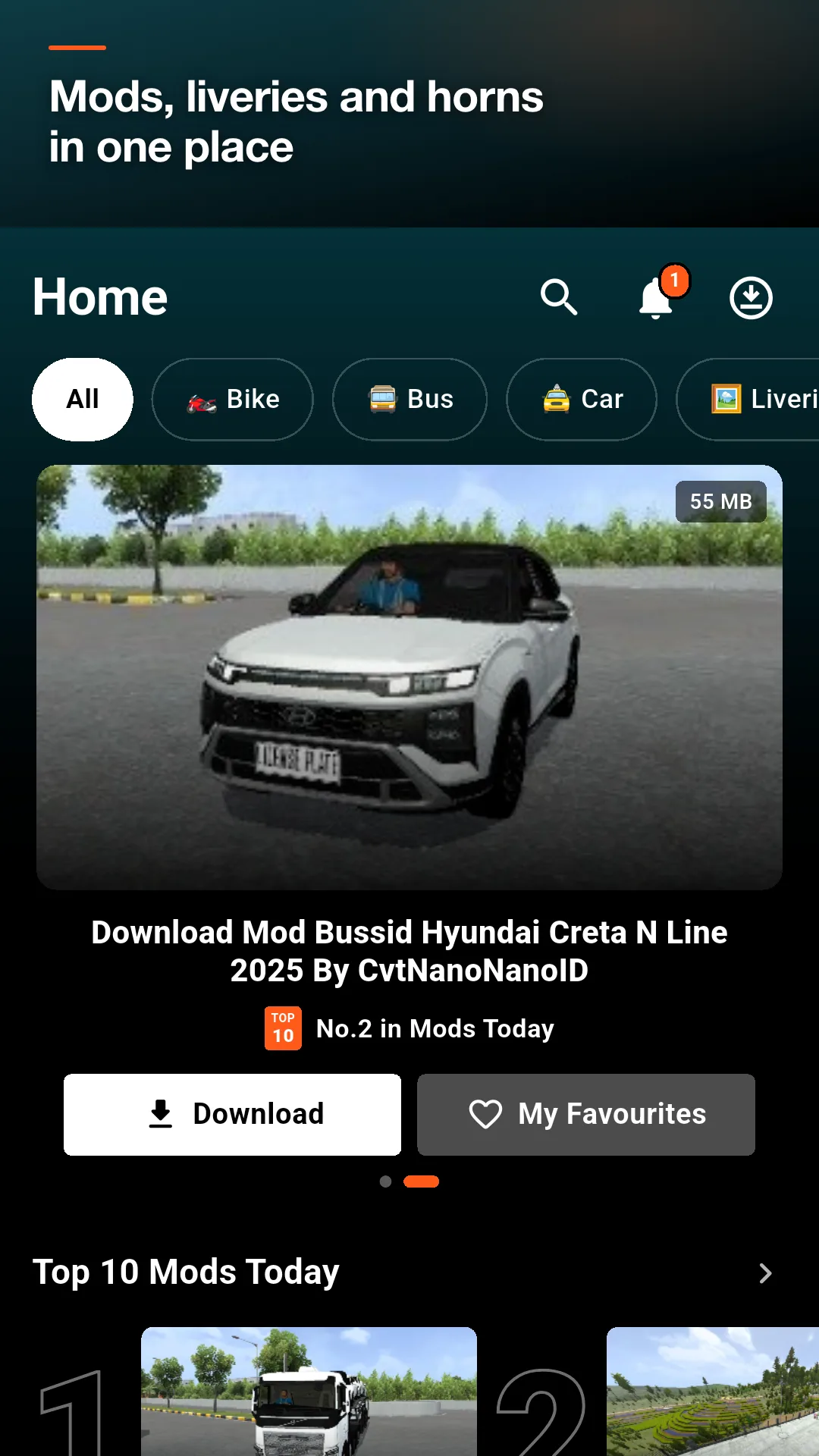
• Ten mods chosen for the day, right on the home screen
• Save favourites for later
• Notifications when fresh mod BUSSID and Bussin Mod India uploads are published,
which you can turn off at any time
• Premium, if you would rather browse without ads
Important
This is an unofficial, fan-made app for the modding community. It is not
affiliated with, endorsed by or sponsored by Maleo Pte Ltd, the developer of Bus
Simulator Indonesia, nor by the developer of Bus Simulator India, nor by any
vehicle manufacturer. All game names, brand names, trademarks and logos belong
to their respective owners and are used only to describe which game a mod fits.
The mods, liveries and horn sounds in this app are created by the modding
community and are not owned by us. The author is credited wherever that
information is available. If you are the author of a file and would like it
removed, email contact@techusama.com and we will take it down.
Privacy policy: https://techusama.com/bussinindia/privacy.php
Contact: contact@techusama.com
App information
- Version
- Varies with device
- Requires
- Android Varies with device
- Developer
- PlayNestX
- Category
- Tools
- Price
- Free
- Installs (Google Play)
- 1+
- Package
- com.tu.bussidbussinmodhub
- Released
- Sep 22, 2026
Download BUSSID & BUSSIN Mod Hub
- GET IT ONGoogle Play Official Google Play listing · opens play.google.com
Links open the file host in a new tab. ApkZub does not host these files. Scan every APK before installing, and prefer the official store whenever it is available.
How to install an APK file
- Download the APK file using a link in the section above.
- On your Android phone, open Settings → Apps → Special app access → Install unknown apps and allow your browser or file manager.
- Open the downloaded file from your notifications or the Downloads folder and tap Install.
- If the file is an XAPK/APKS bundle or comes with an OBB folder, follow the extra steps in the description above.
- After installing, you can switch the “Install unknown apps” permission off again.